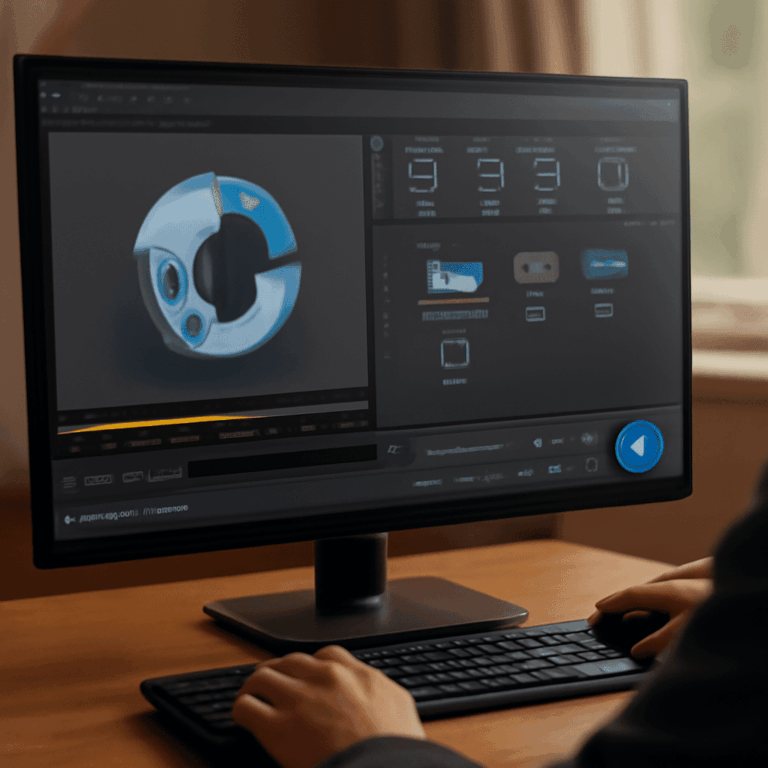
Have you ever come across a YouTube video that you wish to see from a different angle? Perhaps you’re looking to enhance visual clarity, fix orientation, or add a unique twist to your content. Learning how to mirror YouTube video can be your solution. By mastering the art of video flipping, you can gain an edge in content creation and consumption. This guide will walk you through the steps to effectively mirror YouTube video online and explore the tools you need.
Understanding Why You Might Want to Mirror a YouTube Video
Common Uses for Mirrored Videos
Mirroring YouTube videos is more than just a novelty. For educators and trainers, mirrored videos help display writing or diagrams that require a flipped perspective. Dance instructors often use mirrored videos to ensure students can easily follow choreography. Whether you’re a professional or hobbyist, flipping videos can enhance accessibility and understanding.
Benefits of Mirroring YouTube Videos
The benefits of mirroring are numerous. Mirrored videos can correct backward text or imagery, making them more appealing to viewers. By using this technique, you enhance the viewer’s experience, potentially increasing your content’s reach. Moreover, flipping videos can lead to creative storytelling by providing fresh perspectives, keeping your audience engaged.
How to Mirror YouTube Videos Online
Step-by-Step Guide to Using Online Tools
To mirror YouTube video online, start by selecting a reliable platform. First, copy the video URL and paste it into the tool’s input field. Choose the mirror option, and within moments, your video should be flipped. Ensure the output meets your expectations by viewing the preview. Download the mirrored video once you’re satisfied with the result.
Recommended Online Platforms
Several tools offer the capability to mirror videos without the need for downloads. Websites like Kapwing and Clideo are popular choices, providing user-friendly interfaces and quick processes. When selecting a platform, consider the ease of use, processing speed, and whether it supports batch processing, which saves valuable time.
Best Tools to Mirror YouTube Video
Free vs. Paid Tools
Both free and paid tools have their advantages. Free tools are accessible and often sufficient for basic tasks, while paid versions may offer enhanced features such as higher resolution outputs and additional editing functionalities. Weigh your needs against what each tool offers to select the best fit.
Top Picks for Mirroring Videos
Among the top choices to mirror YouTube video effectively are Adobe Premiere Pro for professionals and iMovie for Mac users. Both provide comprehensive editing features. For those seeking simplicity, EZGif and Video Rotate + Flip offer straightforward interfaces and essential options to meet typical mirroring needs.
Tips for Editing and Sharing Mirrored YouTube Videos
Editing Tips for Better Results
Post-flipping, your video may require additional edits for optimal quality. Adjust the brightness and contrast to ensure clarity, and consider adding captions for improved accessibility. Tools such as Inshot or DaVinci Resolve can further enhance your mirrored video’s appeal through color grading and sound editing.
Sharing Your Mirrored Videos
After editing, sharing your mirrored video is the next step. Platforms like YouTube allow easy uploads with options for adding metadata to optimize discoverability. Make sure your titles and descriptions are enticing and informative. Engaging thumbnails can also attract more viewers.
Troubleshooting Common Issues When Mirroring YouTube Videos
Occasionally, you may face issues such as decreased video quality or incorrect aspect ratios. To resolve these, ensure you’re using a high-resolution source file. Additionally, verify that your selected tool maintains quality during processing. Updating the software or trying a different tool can also rectify persistent problems.
Next Steps: Now that you know how to mirror YouTube video online, practice regularly with different tools to refine your skills. Always check the final output for quality and accuracy. Stay updated with the latest video editing trends to keep your content fresh and engaging.