In the world of audio editing, creativity knows no bounds. Yet, there are moments when your usual toolkit might feel a bit restrictive. This is where an audio reverser comes into play, offering a refreshing twist to your soundscapes by flipping them backward. Whether you’re experimenting with music production or adding a unique layer to a podcast, leveraging a voice reverser or a sound reverser can drastically enhance your projects with minimal effort. In this article, we’ll explore the ins and outs of reverse audio and how you can incorporate this intriguing technique into your creative endeavors.
From understanding the basics to troubleshooting common issues, this comprehensive guide will equip you with the knowledge to confidently manipulate audio and unlock a new realm of sonic possibilities.
Understanding Reverse Audio
What is Reverse Audio?
Reverse audio involves taking an audio clip and flipping it so that it plays backward. This technique can generate unexpected and unique effects, often adding a mysterious or surreal quality to the sound. By reversing sound, you transform the original sequence of audio waves, giving your projects a distinctive edge.
How Does Audio Reverser Work?
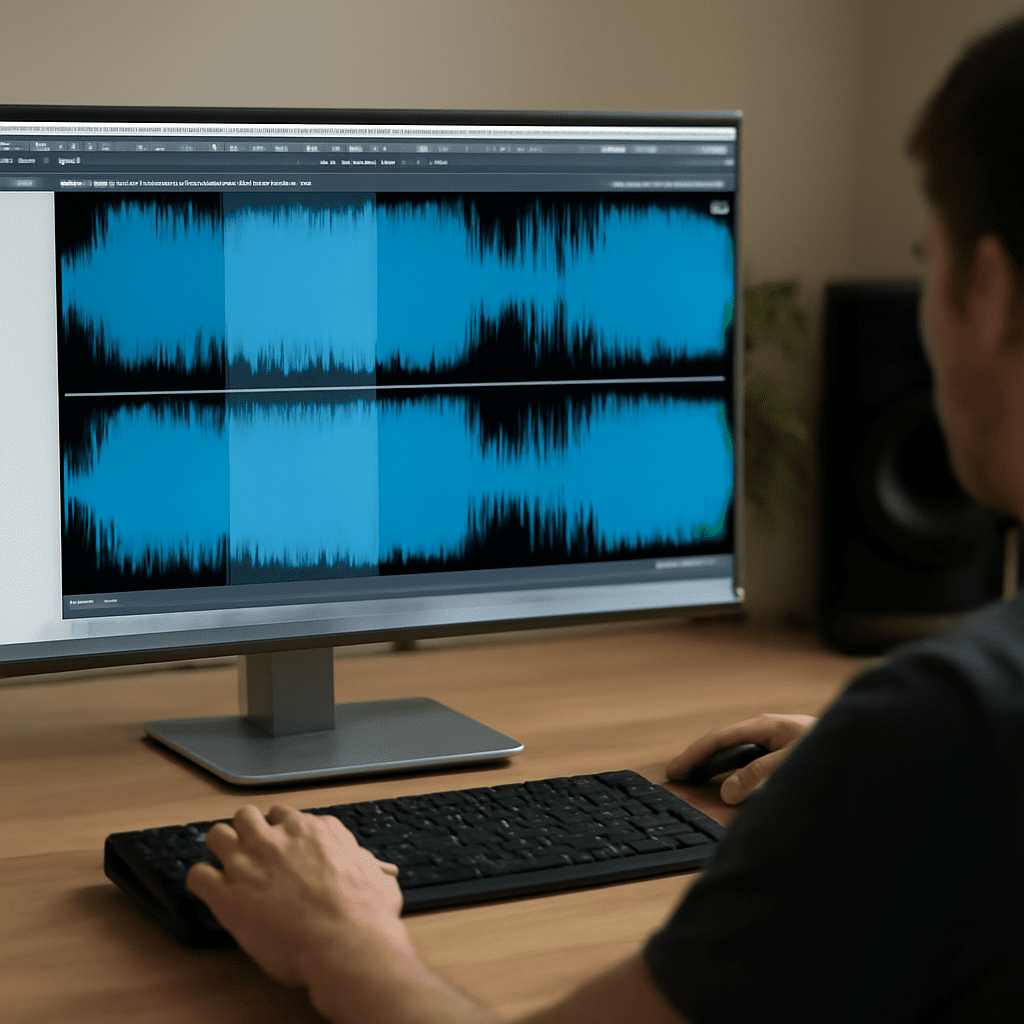
An audio reverser operates by digitally processing an audio file to reverse its waveform. This method entails rearranging the audio signal’s order, essentially flipping the timeline. While the concept is simple, the impact it can have on your audio is substantial, providing an unconventional twist to your sound palette.
Benefits of Using an Audio Reverser
Creative Uses
Utilizing a sound reverser can dramatically expand your creative toolkit. By reversing audio, you can craft ethereal soundscapes, generate intriguing vocal effects, or invent novel percussive elements. Many artists and producers employ this method to create atmospheric reversals or to introduce an unexpected twist within a track.
Improving Sound Quality
Beyond creativity, a voice reverser can also enhance sound quality by smoothing out transitions or masking imperfections. For instance, reversing reverb tails can create a smoother lead-in to a vocal or instrumental part, adding a polished finish to your audio project.
How to Reverse Sound: Step-by-Step Guide
Choosing the Right Voice Reverser
Selecting the right tool is crucial for effectively reversing audio. Consider user-friendly software that offers precision and flexibility. Look for features such as batch processing and high-quality audio output to ensure your reversed sounds meet your project’s needs.
Simple Steps to Reverse Audio
Reversing sound is a straightforward process. First, import your audio file into your chosen audio reverser. Next, locate the reverse function, which might be labeled differently depending on the tool. Execute the reverse command, and preview your new reversed audio to ensure it aligns with your creative vision.
Top Audio Reverser Tools in 2023
Comparing Popular Sound Reversers
In 2023, several tools lead the market for audio reversing. Products like Audacity, Adobe Audition, and WavePad offer robust sound reverser functionalities. Compare features such as user interface, processing capabilities, and additional editing tools to find the most suitable option for your needs.
Troubleshooting Common Issues
Fixing Reversed Audio Problems
Reversing audio might sometimes lead to unexpected issues, such as clip distortion or timing mismatches. If you encounter these problems, revisit the original file to ensure there are no pre-existing issues. Additionally, check the settings on your voice reverser to confirm they align with the desired output quality.
Next Steps
With your newfound understanding of reverse audio, you’re ready to experiment and innovate within your audio projects. Regular practice with a variety of audio files will hone your skills and deepen your familiarity with different reversing tools. Stay updated with the latest advancements in audio technology to continually enhance your creative process.