Efficient image processing is a challenge many media professionals face. When you need to crop multiple images at once, the task can quickly become overwhelming. Luckily, batch cropping offers a solution, allowing you to manage large volumes of photos without sacrificing quality or time. By adopting the right tools and techniques, you can streamline this process, ensuring your projects remain on schedule and up to standard.
In this guide, you will learn how to crop multiple images at once using various methods. From understanding what batch cropping entails to exploring different tools and their applications, we will walk you through each step of achieving efficient bulk cropping. Prepare to enhance your workflow and optimize image processing like never before.
Understanding Batch Cropping
What is Batch Cropping?
Batch cropping refers to the process of resizing and trimming multiple photos simultaneously. By altering a group of images in one operation, you efficiently manage files without the need for repetitive manual work. Whether you’re working with hundreds of images from a photoshoot or editing a large collection of digital assets, batch cropping is indispensable.
Benefits of Cropping Multiple Images at Once
Cropping multiple images at once not only saves time but also maintains consistency across your files. This method ensures that all your images adhere to desired dimensions and compositions, which is crucial for professional presentations and publications. Moreover, automating this task reduces the chance of human error, enhancing the overall quality of your work.
Tools You Need for Bulk Cropping
Software Options for Batch Cropping
A variety of software options are available to facilitate efficient batch cropping. Adobe Photoshop, for instance, is a popular choice among professionals, offering powerful tools for precise adjustments. Other software like GIMP and Lightroom provide robust functionalities tailored for bulk image editing, allowing you to crop multiple images at once with ease.
Online Tools to Crop Multiple Images at Once
If installing software isn’t an option, consider online tools that allow you to crop multiple images at once. Websites like BatchPhoto and Fotor offer user-friendly platforms for quick edits. These online services are particularly useful for those needing immediate access without the hassle of software downloads.
Step-by-Step Guide to Batch Crop Images
How to Crop Multiple Images at Once Using Software
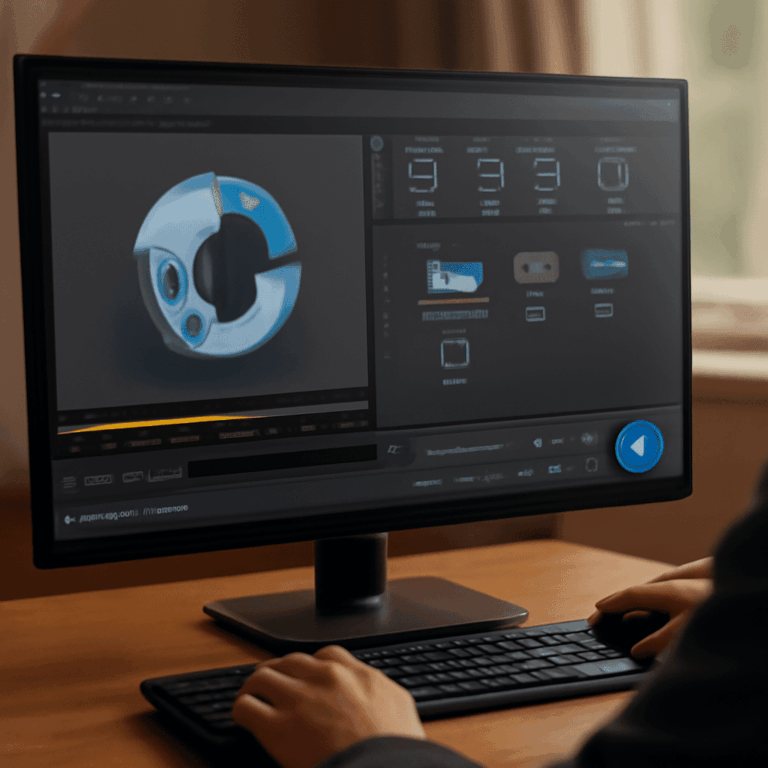
To crop multiple images at once using software, start by selecting your preferred tool. Load your images into the program, and choose the cropping feature. Set your desired dimensions and initiate the batch process. This approach ensures that all images are cropped uniformly, maintaining visual consistency.
Tips for Efficient Bulk Cropping
For efficient bulk cropping, consider organizing your images by size or orientation before starting. This preparation simplifies the process, allowing you to apply the same settings across similar files. Regularly review your results during the process to ensure each image meets your standards, making necessary adjustments promptly.
Common Mistakes and How to Avoid Them
One common mistake in batch cropping is not accounting for the varying compositions of your images. Ensure that your cropping settings accommodate different focal points to avoid cutting off essential parts. Additionally, remember to save copies of your original files to prevent accidental loss of high-quality images.
Batch Cropping Best Practices
Ensuring Quality in Bulk Cropped Images
To guarantee quality when you crop multiple images at once, use high-resolution originals. This practice ensures that the cropped images remain sharp and detailed. Apply consistent color corrections and lighting adjustments across all files to maintain a cohesive look.
Optimizing Workflow for Faster Results
Optimizing your workflow involves utilizing shortcuts and pre-set actions within your software. Automate repetitive steps, and consider using scripts or plugins to streamline the process further. This optimization allows you to allocate more time to creative tasks, enhancing productivity.
Key takeaways: Efficiently batch cropping images saves time and maintains consistency. Use the right tools and techniques to enhance your workflow. Remember, preparation and attention to detail are key to achieving high-quality results.