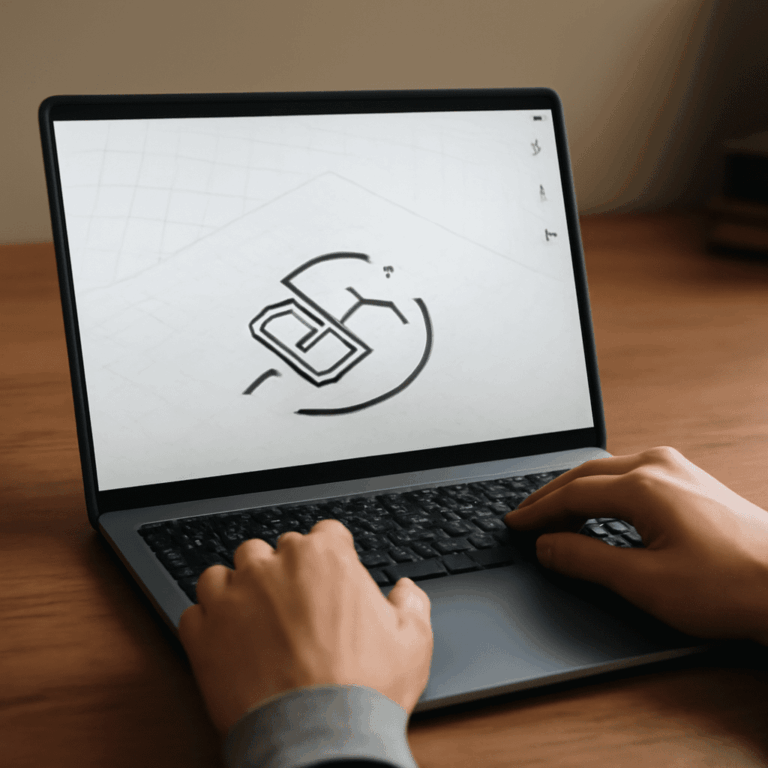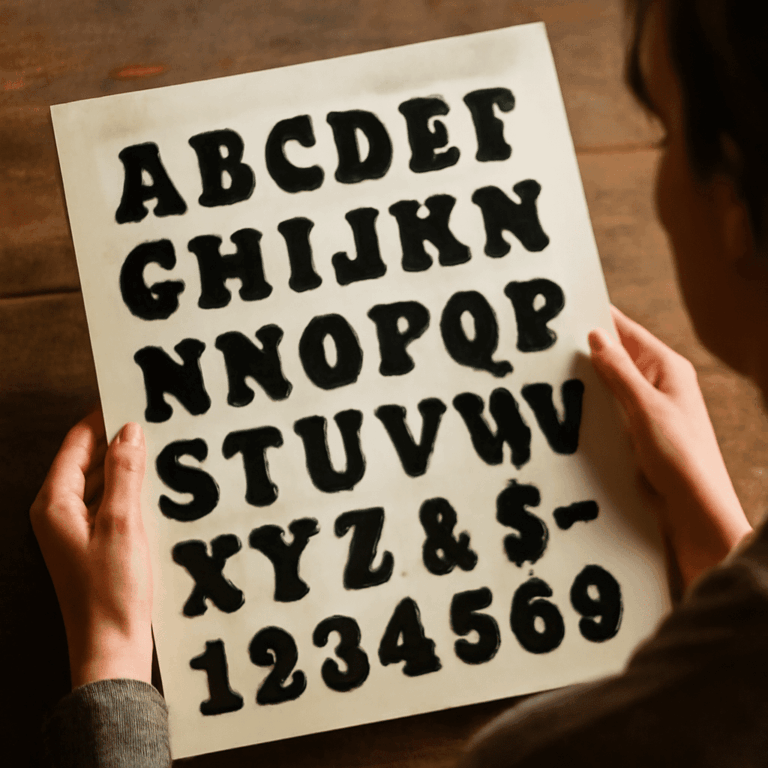

A logo, a social graphic, and a painted illustration may all be called graphic design, but they ask different things of an editor. Choosing a tool by its feature list alone can leave you learning controls you do not need. Start with the image you want to make, then test a suitable app on a small project.
The best no-cost design software depends on that task. A beginner-friendly graphics program might provide editable vector shapes, a simple page layout, or a set of brushes. These options cover all three starting points and have free ways to work.
Graphic design software for beginners: three choices
The following tools approach image making differently. Inkscape is built around vector objects, Canva makes page composition approachable, and Krita focuses on painting. All can produce useful graphics, but their controls and tradeoffs matter when you are starting out.
Inkscape: draw a scalable logo
Inkscape is a free, open-source vector editor for Windows, macOS, and Linux. Vector graphics describe shapes as paths, so a logo can be resized without the pixelation that comes from enlarging a small raster image. SVG is Inkscape’s primary format, and the program can export a PNG for a screen preview.
Begin with the rectangle and ellipse tools to make simple shapes. Use the selector to move and resize them, and the fill and stroke controls to change their colors and outlines. The node tool lets you adjust a path’s points and curves. Layers and object ordering help you keep parts of a symbol separate.
Inkscape does not put its core vector tools behind a paid tier. The tradeoff is learning a fuller desktop interface: paths, nodes, and object selection take practice. It is a good choice when you need an editable mark at several sizes, rather than a quick arrangement of ready-made images.
Canva: assemble a simple composition
Canva offers a browser-based editor with templates, text, shapes, and images. Choose a page size, drag elements into position, and use the toolbar to adjust color, type, and alignment. It is easy graphic design software for a beginner making a flyer or social post without building every element from scratch.
The free plan includes free templates and content, while some assets and features are paid. Canva says Pro content carries a watermark for free users unless it is licensed or replaced. Its licensing guide also explains permitted uses. For a no-cost test, select free elements or upload your own artwork and check the download before sharing.
Canva is convenient for composition, but a template can make it tempting to accept the first arrangement. Change the hierarchy and spacing to fit your message. Also check the terms before using stock elements in a logo intended to serve as an exclusive trademark.
Krita: paint an illustration
Krita is a free, open-source painting application with desktop downloads for Windows, macOS, and Linux. It offers brush presets, layers, drawing assistants, and stabilizers. Pick a brush, choose a color, and draw on the canvas; use a separate layer for a sketch and another for finished color so that you can revise them independently.
Krita’s desktop app is free to download from its website. Its download page also lists paid store versions that support development and provide automatic updates. A mouse works for simple shapes, though a pressure-sensitive tablet can give you more natural variation in a brushstroke. Krita is most comfortable for painted, pixel-based artwork; use a vector editor when a mark needs to scale freely as editable paths.
Choose by the result you need
Is the best graphic design software free? It can be, when the tool fits the job. For a vector logo, choose Inkscape and keep an editable SVG. For a quick announcement or image-and-text layout, use Canva and its free assets. For a drawn character, textured background, or painted illustration, start with Krita and preserve a layered project file.
Is graphic design software for beginners free across every feature? Some products are entirely free, while others reserve content or tools for paying users. Inkscape and Krita are open source; Canva has a free tier alongside paid options. Check the specific export and asset you need before committing hours to a design.
Free graphic design software for beginners should also fit the computer and the way you prefer to work. A browser editor avoids a desktop installation, while an installed app gives you a local workspace. Check the publisher’s system requirements and save locations. If you share work with a printer or collaborator, agree on the required file type before the final export.
Try a small project before deciding
Make a square graphic for a fictional neighborhood art event. Give it a short title, a date, and one visual element. The same brief lets you see how each tool feels without spending days learning it.
In Inkscape, create a simple symbol from two shapes, add text, and change the fill. Save the SVG, then export a PNG. Resize the symbol inside the SVG and inspect its edges. In Canva, arrange the same title and date with a free shape or your own image; download the composition and check that the text stays legible at phone size. In Krita, sketch a small illustrated motif on one layer, color it on another, and export a PNG while retaining the layered original.
Allow half an hour for each test. Can you select the item you intend to change? Can you undo a mistake, find the color control, and save an editable version? Can you export the format you actually need? Basic graphic design software is valuable when its controls let you complete these ordinary tasks without breaking your concentration.
Build a repeatable workflow
Save a working file before exporting a copy for sharing. Name versions clearly, and keep the source images and fonts you have permission to use. A PNG is convenient for viewing, but it will not preserve the editable vector objects or painting layers in the same way as the application’s working file. Open the export once on another device to check size, color, and readability.
Graphic design freeware can be capable enough for substantial work, but it still takes practice. Learn a few controls at a time: select, move, change color, reorder layers, and undo. Once those actions feel natural, add more advanced tools only as your project requires them.
Choose simple graphic design software by the work you want to repeat. If you need a logo that remains sharp at many sizes, continue with Inkscape. If arranging a clean announcement matters most, use Canva. If the pleasure is in making marks and building color, keep painting in Krita. The best free graphics tool is the one that helps you finish and revise your next real piece.