
A delicate snowflake can look beautiful on a large screen and turn into a blur on a small gift tag. Choose a snowflake in SVG format by comparing its overall shape, branch thickness, and intended size. A free vector snowflake can be a convenient starting point if its editing options and license fit your project.
Test a few patterns in the actual layout before selecting one. The strongest choice is the one whose shape remains recognizable where it will be used.
Snowflake SVG free of clutter: Compare pattern types
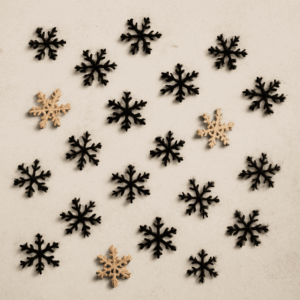
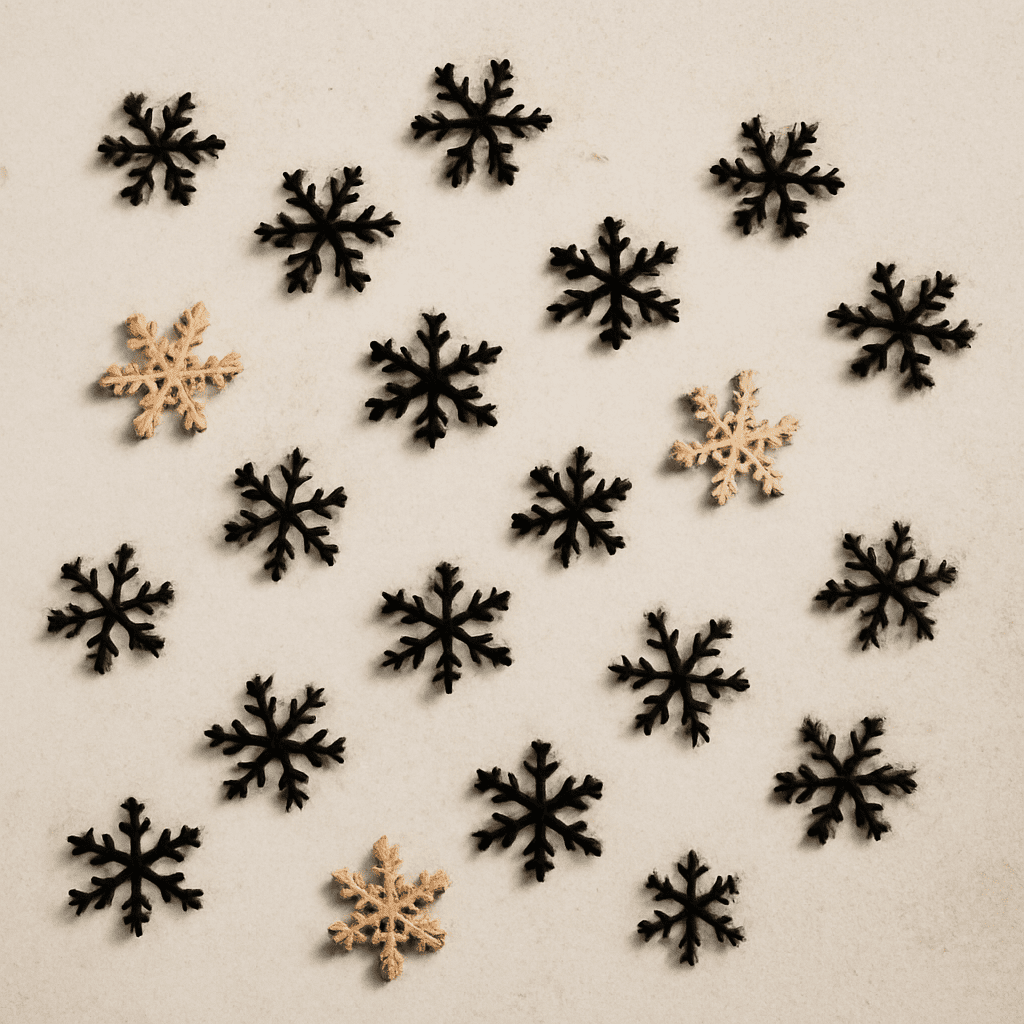
A snowflake motif is often built around a center with six radiating arms. The symmetry gives the viewer an immediate structure to follow. Decorative designs vary: some have straight spokes with simple branches, while others add diamonds, loops, or intricate cutouts.
A simple six-arm pattern has a clear outline and relatively few branches. It suits a small icon or a compact label because each arm has room to remain distinct. A geometric pattern might use diamonds or angular cutouts; it can give a poster a crisp, structured feel. A lace-like pattern uses many fine lines or openings and can reward a closer look at a larger size.
Compare the space between branches as well as the branches themselves. If gaps are too narrow, neighboring parts may merge when the artwork is reduced or printed. A pattern with fewer details is often easier to recognize on a small surface, while a larger invitation or window display can give a detailed design room.
Match the pattern to the project
Begin with the finished dimensions and the production method. A design for a website icon must read on a screen; one for a paper ornament must also hold together as a physical object. The same artwork can behave differently in each setting.
For a small digital icon, choose a strong center and arms that remain visible at the intended pixel size. For a greeting card, compare the motif against the background and surrounding text. For a cut-paper decoration, look for sturdy connections between the branches and center. Very narrow bridges may tear or become difficult for a cutting machine to handle.
A free snowflake SVG may include several variations. Place two or three at the same size and compare their outlines. If one only works when enlarged far beyond the available space, choose a simpler pattern or give it a larger role in the composition.
Check the vector structure
An SVG can store paths and shapes that an editor can scale and modify. Open a candidate in your vector application and select its parts. An arm may be a separate object, part of a group, or combined with other arms into a single path. Each structure has advantages: separate pieces are easier to adjust individually, while a combined shape may be easier to move as one.
A free snowflake vector file can still contain an embedded raster image rather than editable vector paths. Zooming in and using the object or layers panel can help you inspect its construction. If you need to change individual branches, confirm that you can select and edit them before building the rest of the layout.
Check whether the design uses filled shapes, strokes, or both. A thin stroke may look good at one size but become too heavy or too faint after scaling, depending on the application’s stroke-scaling settings. Make a copy, resize it, and inspect the result. Keep an untouched source in case you need to return to the original proportions.
For cutting, review overlapping paths and small enclosed pieces in the cutting software. An SVG snowflake that looks like a single solid motif on screen may contain overlapping shapes or tiny detached areas. Use the software’s preview and a small material test to see what will actually be cut.
Review the terms before using it
Free download does not automatically mean every use is permitted. Read the license attached to the file and identify whether it allows personal use, commercial products, modifications, and the quantity or distribution you have in mind. A license may also require attribution or prohibit sharing the editable file itself.
If you plan to sell finished cards or ornaments, check those terms specifically. If the permission is unclear, contact the rights holder or choose a design with terms that cover your use. Save the source link and a copy of the relevant license with the project so you can find them later.
Free SVG designs of snowflakes may come from individual artists, design libraries, or bundled collections. A listing that describes the artwork as free is a starting point; the actual license determines how you may use it. Check that the license applies to the particular file you downloaded, especially when a collection includes assets from several creators.
Adjust color and size
Place the design against its intended background. A white motif may disappear on a pale card, while a dark blue shape can remain distinct. Choose a color that gives the branches enough contrast without overwhelming nearby text. If the piece will be cut from a single material, test the silhouette in one color rather than relying on screen-only shading.
Keep the snowflake SVG free of unnecessary fine detail when reducing it. Simplify small cutouts or select a bolder version instead of merely shrinking a complex pattern until its openings disappear. If you edit one arm of a symmetrical design, repeat the change consistently around the center or use the editor’s rotation and duplication tools.
Export a copy in the format required by the destination. For a PNG, specify enough pixels for the intended display and preserve transparency if you need it. For a cutting workflow, keep the vector file and check it in the receiving software. Save the editable version separately from any simplified or exported copy.
Choose the pattern whose shape, license, and construction suit the project. View it at the actual display or cutting size, on the intended background or material. If branches merge or weak connections break in a test cut, simplify the pattern or increase its size, then check it again.