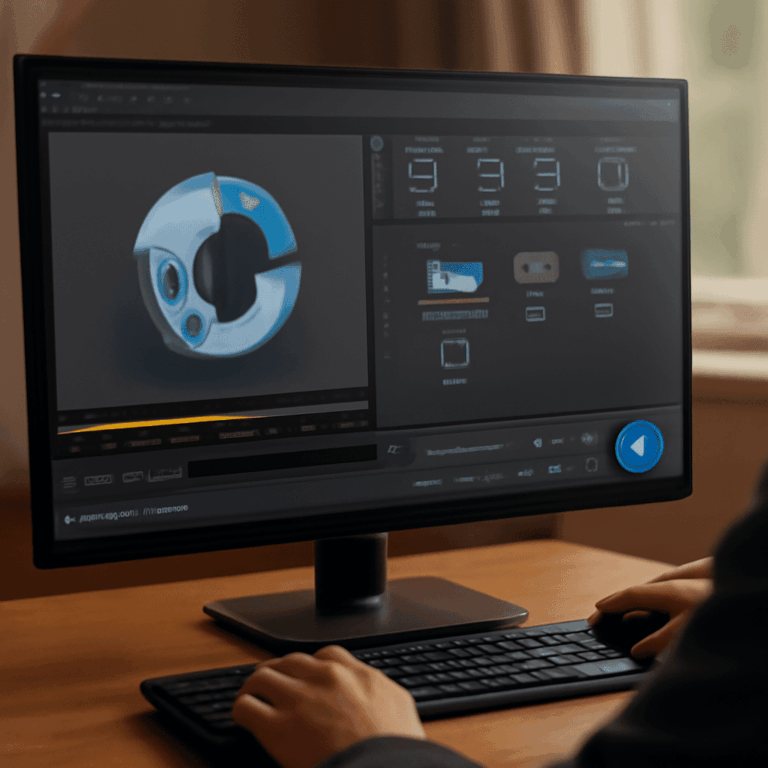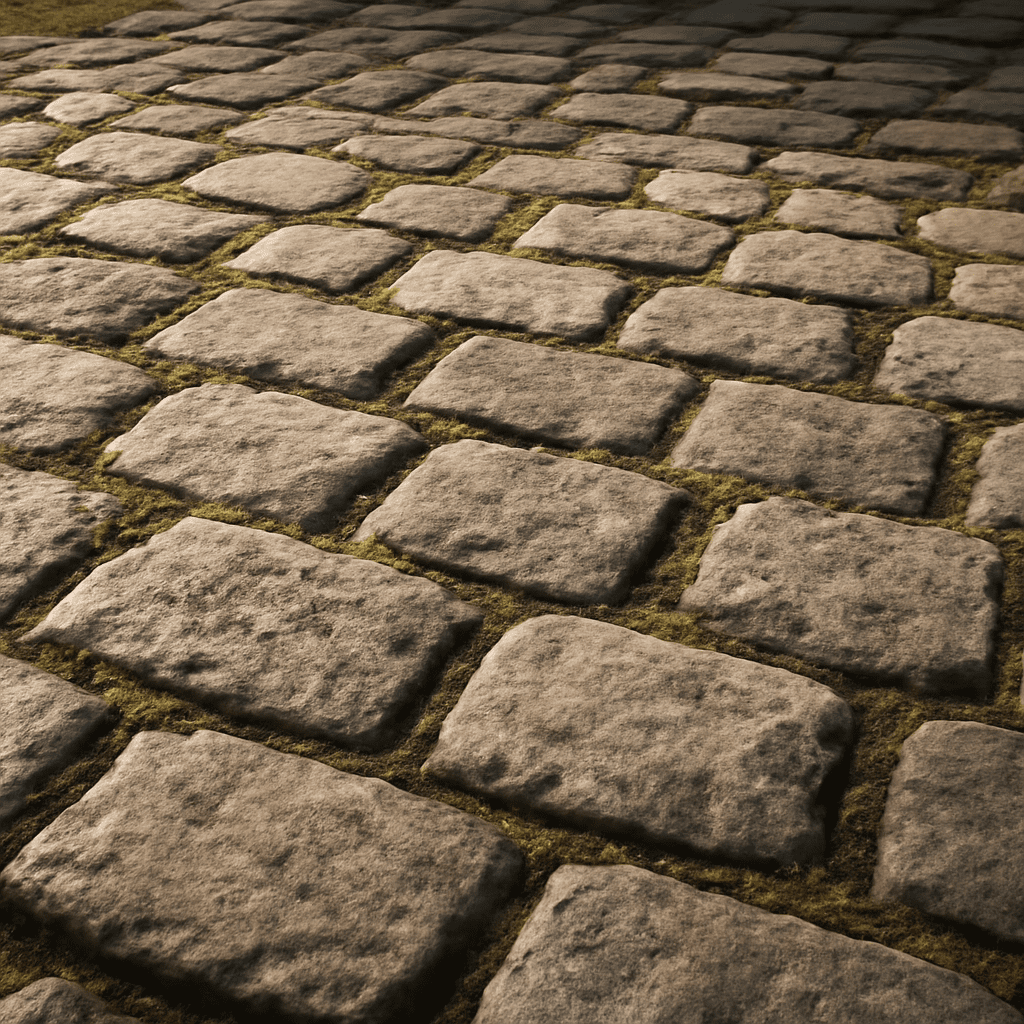
In the ever-evolving media landscape, crafting realistic textures is vital for achieving professional-quality digital artwork. However, this can be an arduous task without the right tools. Here’s where a normal map maker becomes invaluable. These tools simplify the texture creation process, making it accessible for both novice and seasoned creators.
Leveraging a normalmap online platform not only streamlines your workflow but also enhances the visual quality of your projects. By understanding the nuances of these tools, you can craft textures that add depth and realism to your digital media effortlessly.
Understanding Normal Maps
What Are Normal Maps?
Normal maps are essential in digital media for adding intricate texture and detail to 3D models without increasing the polygon count. They work by manipulating light reflections across a surface, giving the illusion of depth and complexity.
Designers and developers use normal maps to simulate realistic textures, from the roughness of a brick wall to subtle skin details. These maps enhance visual richness without taxing processing power.
Importance of Normal Maps in Media
In media creation, normal maps are crucial for achieving photorealism. They play a pivotal role in video games, animations, and films, where realism and detail can significantly impact viewer immersion and experience.
Using normal maps allows creators to elevate their work, making surfaces look lifelike while maintaining performance efficiency—a key aspect in media production.
Why Use a Normal Map Maker?
Advantages of Online Tools
Online normal map makers are game-changers in digital media production. They offer convenience and accessibility, allowing you to create professional-grade normal maps from any device with an internet connection.
These tools eliminate the need for specialized software installations. Moreover, many online platforms provide user-friendly interfaces designed to streamline the texture mapping process for beginners and experts alike.
Comparison of Popular Platforms
When choosing a normal map maker, comparing platforms is crucial. Popular platforms like NormalMap Online, CrazyBump, and Materialize offer a range of features, from basic map creation to advanced customization options.
Evaluating these tools helps you select a platform that meets your specific needs, ensuring you have the right capabilities to craft textures that enhance your projects.
How to Use an Online Normal Map Generator
Easy Steps to Create Your First Normal Map
Creating a normal map online is straightforward. First, upload your texture image to the generator. Next, adjust the parameters such as depth and light direction to suit your project requirements. Finally, download the finished map and integrate it into your 3D model or digital artwork.
These steps highlight the simplicity and efficiency of using a normal map generator, making it an approachable process for those new to texture creation.
Tips for Optimal Results
To achieve the best results, experiment with different settings within your normal map generator. Adjusting parameters like intensity and detail levels can significantly affect the final appearance of your texture.
Additionally, previewing changes in real-time allows for quick iterations, enabling you to refine your normal maps until they perfectly complement your digital media.
Exploring Top Normal Map Creator Tools
Features of Leading Tools
Leading normal map creator tools offer a variety of features, including customizable parameters, real-time previews, and integration capabilities with other design software. These tools are designed to cater to different skill levels and project sizes.
For instance, platforms like CrazyBump focus on ease of use, while others like Materialize provide more advanced options for experienced users seeking greater control over their texture creation process.
User Reviews
User reviews often highlight the ease of use and versatility of top normal map creators. Many users appreciate the ability to create high-quality textures without investing in expensive software.
Feedback from the community can guide you in selecting a tool that aligns with your needs, providing insights into usability, functionality, and overall satisfaction.
Troubleshooting Common Issues
Common Mistakes
Common mistakes when using normal map tools include incorrect parameter settings and poor-quality source images, leading to unsatisfactory results. These errors can be frustrating but are usually easy to fix with a careful review of the workflow.
Understanding common pitfalls helps you avoid them, ensuring your normal maps enhance your digital media as intended.
Solutions and Tips
To resolve issues, start by checking your source image quality—high-resolution images yield the best results. Adjust settings like depth and light direction carefully, and use previews to fine-tune your maps.
Learning from experienced creators and following tutorials can also provide valuable insights, enabling you to overcome challenges and improve your normal map creation skills.
Pro tips recap: Embrace normal map maker tools to enhance your textures. Explore normalmap online platforms for convenience and versatility. Familiarize yourself with common mistakes and solutions for a smooth texture creation process. With these strategies, crafting stunning, realistic digital media is within reach.