

If you’re a digital artist searching for a logo style that stands out in today’s saturated creative landscape, pixel art logos might be your answer. With their nostalgic charm and crisp geometric vibe, these pixelated logo designs are trending again among innovative designers. The resurgence is more than just a retro fad—pixel art logos offer a unique way to blend simplicity with bold visual identity, making them ideal for digital art ideas that need to capture attention instantly.
Whether you’re rebranding a personal portfolio or building a new project from scratch, exploring pixel art logos can inspire fresh directions and unexpected solutions. This article dives into the reasons behind their comeback, the core principles of pixelated logo design, hands-on tools and methods, inspiration for your own creations, and practical tips for showing off your pixel-perfect creations across digital spaces.
Why Pixel Art Logos Are Making a Comeback
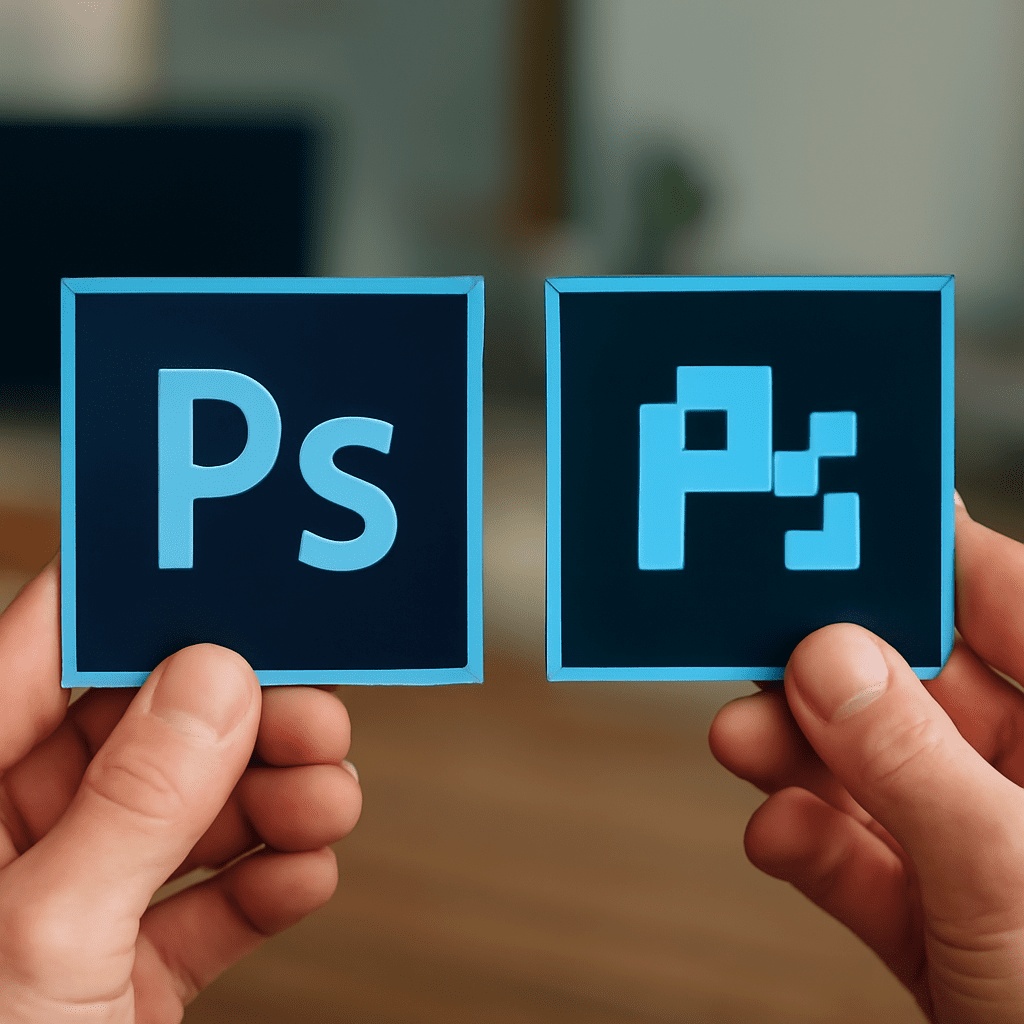
Pixel art logos have re-emerged as a favorite among digital artists and creative brands. Much of their appeal lies in the sense of nostalgia they evoke, tapping into the early days of video games and computer graphics. For many people, seeing a pixelated logo instantly conjures memories of 8-bit adventures or early graphic design experiments. In a landscape dominated by slick, hyper-realistic branding, opting for a pixel art approach instantly sets your work apart.
Another driving force is the versatility you get when working with a modular, grid-based format. Designing a logo with visible pixels allows for playful iterations and easy scalability across digital platforms. Pixel art logos, when crafted with intention, communicate clarity and boldness in a way that’s easy to recognize, even at small sizes—a must in today’s multi-device environment. This clarity translates well whether you’re developing app icons, Twitch emotes, or digital shop branding.
Pixelated logo designs also offer an approachable entry point for artists new to branding. Instead of worrying about complex gradients or intricate detail, you can focus on color selection, shape, and layout. This makes it possible to experiment quickly and iterate over several versions in a single afternoon, leading to rapid improvements and more opportunities for digital art ideas to flourish.
Finally, the popularity of indie games, retro-inspired tech products, and digital collectibles has created a renewed appreciation for the pixel aesthetic. From blockchain collectibles to modern web design, pixel art logos give you a timeless, game-inspired flavor that resonates with both creators and audiences alike.
Understanding the Basics of Pixelated Logo Design
At the core of any pixelated logo design is its distinctive blocky structure. Instead of flowing lines and smooth gradients, you’re working with a grid—each square (pixel) is a basic building block, and together they form your logo’s shape. This constraint shapes both the process and the final look, pushing you to think in terms of geometric abstraction and color composition.
When you set out to design a pixel art logo, you’ll start by sketching rough ideas on graph paper or with a digital grid. Consider the balance between simplicity and recognizability—too much detail will muddy a small-scale icon, while too little may make your piece unmemorable. Stick to a limited palette of 2–6 colors to maintain clarity, experimenting with contrast to ensure your logo stands out on various backgrounds.
Another key element is deciding on your canvas size. Common pixel art logo formats use anywhere from 16×16 to 64×64 grids, depending on where you’ll display the logo. Smaller canvases force you to prioritize what’s essential, while slightly larger ones allow for subtle shading and decorative accents. Try testing your design at multiple sizes to ensure it remains legible and effective in every use case.
Finally, the modular nature of pixel-based design makes it easy to tweak, animate, or re-theme your logos later. You can add variations, create holiday versions, or even animate elements by swapping out frame sequences. Pixelated logo design is as much about creative problem-solving as it is about artistic flair.
Tools and Techniques for Crafting Pixel Art Logos
You don’t need expensive software to create showstopping pixel art logos. Popular tools like Aseprite, Piskel, and Pixie offer dedicated pixel art environments, giving you fine-grained control over each individual square. Even free DIY options like GIMP or Procreate—with a custom grid setup—let you produce professional results. Some artists prefer the tactile approach of using graph paper, then digitizing their sketches for polish and export.
Layering is a key technique: work with separate layers for your base shapes, color fills, and outlines. This lets you quickly swap palettes or tweak shapes without starting from scratch. Use the pencil tool with a 1-pixel brush for precise edits, and the fill tool to rapidly block out large areas of color. Zoom in for detail work, then zoom out to check overall balance and legibility.
Palette management is crucial—try creating a swatch library with harmonious hues before you start designing. Experiment with color ramping, dithering, or checkerboard patterns to add depth and texture without blurring the crisp grid effect. Some artists enjoy crafting logos pixel by pixel, while others build from geometric primitives, combining and refining squares, rectangles, and circles for more complex results.
When exporting, save your final logo as a PNG to preserve transparency and sharp edges. Always preview your logo at both its intended display size and larger magnification to spot stray pixels or color banding. By iterating through these methods, you’ll gain hands-on experience and a deeper appreciation for what makes pixel art logos so effective.
Creative Ideas for Your Next Pixelated Logo
Generating digital art ideas for your pixel art logo can start with themes that resonate with your audience. Draw inspiration from retro gaming icons, sci-fi motifs, or minimalist animal shapes. Think about incorporating subtle animations: a blinking eye, a pulsing heart, or a shifting color accent can make your design more dynamic and memorable.
Consider blending classic logo concepts—like monograms, emblems, or mascots—with your pixel style. For example, turn your initials into a grid-based monogram, or pixelate a favorite creature to become your brand mascot. Some digital artists experiment with abstract forms, using repeated color bands or gradients built from stepped pixel blocks to evoke motion or dimensionality.
If you’re creating for a brand or collective, involve your team in brainstorming sessions. Sketch multiple variations quickly, then vote on the most promising concepts. This open, experimental process often produces the most original pixel art logos and encourages everyone to contribute digital art ideas from different perspectives.
Don’t hesitate to iterate. Take your first draft, play with color inversions, push the abstraction further, or add creative easter eggs—a hidden icon, an unexpected shape, or a playful twist. The limited framework of pixel art rewards bold experimentation, so let your imagination guide the process.
Tips for Showcasing and Using Your Pixel Art Logos
Once you’ve created your pixelated logo design, displaying it effectively is critical for building recognition. Use your logo as an avatar on social media, in email signatures, or as a favicon. For web projects, ensure you export at both standard (1x) and high-resolution (2x or 3x) sizes to stay crisp on all screens. Consider animating your logo for digital intros, loading screens, or Twitch overlays to catch the eye of your audience.
Test your logo’s visibility across different backgrounds and contexts. Swap between light, dark, and colored surfaces to check for unwanted blending or loss of detail. If you’re printing your logo—for stickers, merchandise, or apparel—ensure the resolution matches the print specs, and review proofs to avoid pixelation beyond the intended design. Use vector tracing if you need to scale up without losing your signature blocky essence.
To extend your brand, consider building a full visual identity around your pixel art logo. Carry the grid motif through headers, buttons, and icons across your site or app. Share the process behind your pixelated logo designs on social media; time-lapse videos or breakdowns can boost engagement and demonstrate your digital art expertise.
By actively promoting your logo and integrating it into all aspects of your online presence, you position your digital art ideas at the forefront of your brand identity—making a lasting impression with every pixel.
Bottom line: Exploring pixel art logos gives you a playful, powerful toolkit for crafting memorable digital identities. Whether you’re a seasoned designer or a newcomer, the grid-based approach can unlock endless creative opportunities. With careful planning and a willingness to experiment, your pixelated logo design will become the bold signature of your digital art journey.